

Python Dictionary Comprehensions Explained: Easy Guide with Examples

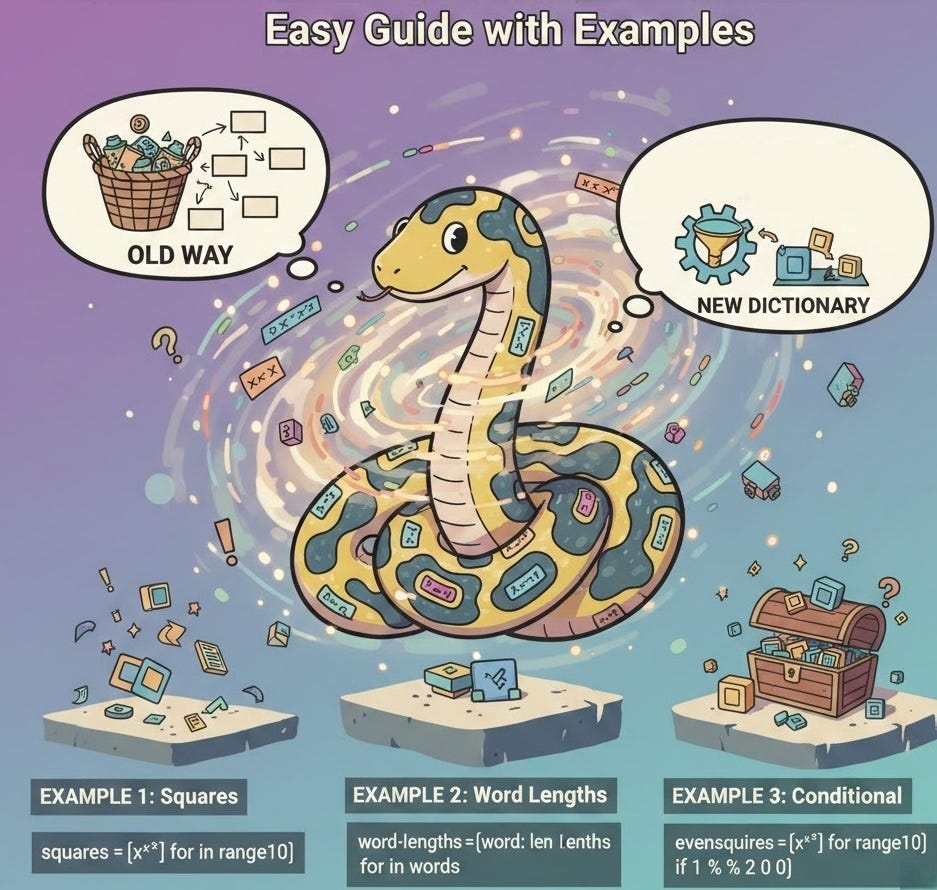
What Are Dictionary Comprehensions?
Dictionary comprehensions provide a concise, readable way to create dictionaries in Python. They’re syntactic sugar that transforms complex loops and conditions into elegant one-liners, making your code more Pythonic and often significantly faster.
Why use them? They’re faster than traditional loops, more readable once you understand the syntax, and allow for complex transformations with minimal code.
Basic Syntax
{key_expr: value_expr for item in iterable}


{key_expr: value_expr for item in iterable if condition}
From Loops to Comprehension
Example 1: Creating a Simple Dictionary
Traditional Loop
# Using a for loop
numbers = [1, 2, 3, 4, 5]
squares = {}

for num in numbers:
    squares[num] = num ** 2

# Result:
# {1: 1, 2: 4, 3: 9, 4: 16, 5: 25}
Dict Comprehension
# Using comprehension
numbers = [1, 2, 3, 4, 5]
squares = {num: num ** 2 for num in numbers}

# Result:
# {1: 1, 2: 4, 3: 9, 4: 16, 5: 25}
Example 2: With Conditional Logic
Traditional Loop
# Filter even numbers only
numbers = [1, 2, 3, 4, 5, 6]
even_squares = {}

for num in numbers:
    if num % 2 == 0:
        even_squares[num] = num ** 2

# Result:
# {2: 4, 4: 16, 6: 36}
Dict Comprehension
# Filter even numbers only
numbers = [1, 2, 3, 4, 5, 6]
even_squares = {num: num ** 2 for num in numbers if num % 2 == 0}

# Result:
# {2: 4, 4: 16, 6: 36}
Common Transformation Patterns
1. Swapping Keys & Values
original = {’a’: 1, ‘b’: 2, ‘c’: 3}
swapped = {v: k for k, v in original.items()}

# Result:
# {1: ‘a’, 2: ‘b’, 3: ‘c’}
2. Filtering by Value
scores = {’Alice’: 85, ‘Bob’: 92, ‘Carol’: 78}
high_scores = {k: v for k, v in scores.items() if v >= 80}

# Result:
# {’Alice’: 85, ‘Bob’: 92}
3. String Transformations
names = [’alice’, ‘bob’, ‘carol’]
name_lengths = {name.upper(): len(name) for name in names}

# Result:
# {’ALICE’: 5, ‘BOB’: 3, ‘CAROL’: 5}
4. Nested Data Access
users = [
    {’id’: 1, ‘name’: ‘Alice’},
    {’id’: 2, ‘name’: ‘Bob’}
]
id_map = { u[’id’]: u[’name’] for u in users }

# Result:
# {1: ‘Alice’, 2: ‘Bob’}
5. Using enumerate()
fruits = [’apple’, ‘banana’, ‘cherry’]
indexed = {i: fruit for i, fruit in enumerate(fruits)}

# Result:
# {0: ‘apple’, 1: ‘banana’, 2: ‘cherry’}
6. Using zip()
keys = [’a’, ‘b’, ‘c’]
values = [1, 2, 3]

combined = {k: v for k, v in zip(keys, values)}

# Result:
# {’a’: 1, ‘b’: 2, ‘c’: 3}
Advanced Techniques
Conditional Value Expressions
# Different transformation based on condition
numbers = [1, 2, 3, 4, 5, 6]

result = {
    num: ‘even’ if num % 2 == 0 else ‘odd’
    for num in numbers
}

# Result:
# {1: ‘odd’, 2: ‘even’, 3: ‘odd’, 4: ‘even’, 5: ‘odd’, 6: ‘even’}
Nested Dictionary Comprehensions
# Create a multiplication table
table = {
    i: {j: i * j for j in range(1, 6)}
    for i in range(1, 6)
}

# Result (structure):
# {
#   1: {1: 1, 2: 2, 3: 3, 4: 4, 5: 5},
#   2: {1: 2, 2: 4, 3: 6, 4: 8, 5: 10},
#   3: {1: 3, 2: 6, 3: 9, 4: 12, 5: 15},
#   ...
# }
Multiple Conditions
# Complex filtering
numbers = range(1, 21)

result = {
    num: num ** 2
    for num in numbers
    if num % 2 == 0 and num % 3 == 0
}

# Result:
# {6: 36, 12: 144, 18: 324}
While nested comprehensions are powerful, they can become hard to read. If you find yourself nesting more than two levels deep, consider breaking it into multiple statements for better readability.
Real-World Use Cases
1. Data Cleaning & Normalization
Transform messy data into clean, consistent formats.
# Clean and normalize user data
raw_data = {
    ‘ Alice ‘: ‘ACTIVE’,
    ‘bob’: ‘inactive’,
    ‘ CAROL’: ‘Active’
}

cleaned = {
    k.strip().title(): v.lower()
    for k, v in raw_data.items()
}

# Result:
# {’Alice’: ‘active’, ‘Bob’: ‘inactive’, ‘Carol’: ‘active’}
2. Grouping Data by Category
Create lookup dictionaries from lists of objects.
# Group products by category
products = [
    {’name’: ‘Apple’, ‘category’: ‘Fruit’},
    {’name’: ‘Banana’, ‘category’: ‘Fruit’},
    {’name’: ‘Carrot’, ‘category’: ‘Vegetable’},
    {’name’: ‘Broccoli’, ‘category’: ‘Vegetable’},
]

# Initialize an empty dictionary
grouped = {}

for product in products:
    cat = product[’category’]
    grouped.setdefault(cat, []).append(product[’name’])

# Result:
# {
#   ‘Fruit’: [’Apple’, ‘Banana’],
#   ‘Vegetable’: [’Carrot’, ‘Broccoli’]
# }
Dictionary comprehensions let you build dictionaries in a short and clear way, replacing long loops.
They help you filter, transform and organize data with cleaner code and better speed.